Frequently asked questions
Can I use Current Spot with Siri?
Yes — completely hands-free. Ask things like “Hey Siri, best charging time with Current Spot” on iPhone, Apple Watch, iPad or Mac. Siri speaks the answer and shows a price heatmap card with the cheapest window highlighted. Available in ten languages, and every command can be added to the Shortcuts app.
Is there a Tibber app for Apple Watch?
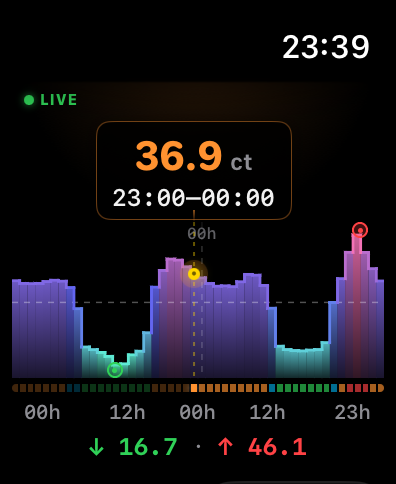
Tibber does not offer an official Apple Watch app. Current Spot is a community-built unofficial Tibber app for Apple Watch — with complications, a Smart-Stack widget and a 48h chart. Works standalone without iPhone too.
Where can I get the app?
The iPhone app incl. Apple Watch is now on the App Store — price features free, no account. The Mac version is on the App Store too.
Does Current Spot work with the Dynamic Island?
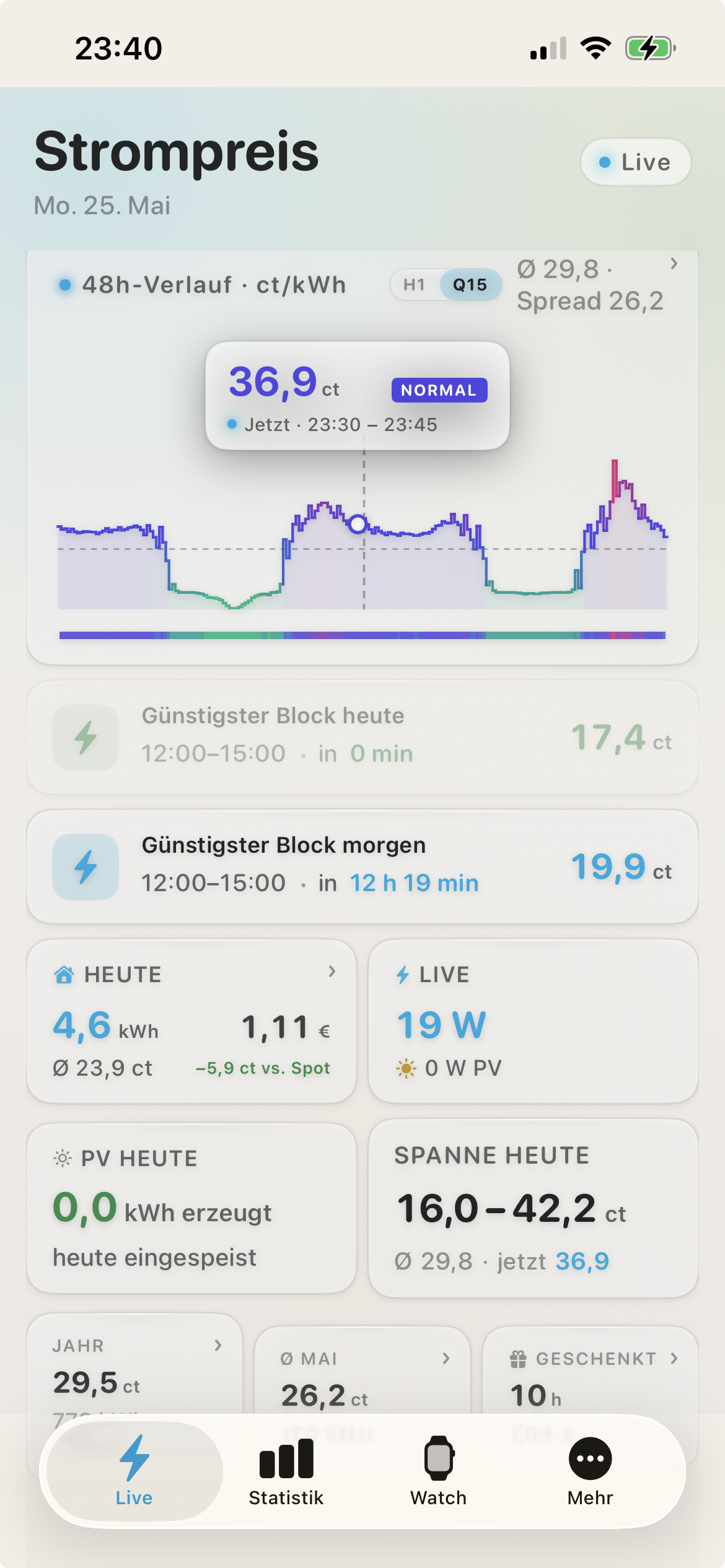
Yes. On iPhone 14 Pro and newer the Live Activity appears in the Dynamic Island — as soon as the cheapest hour of the day starts, with live countdown to block end. On all other iPhones it shows as a Lock-Screen banner.
What makes the Smart-Stack widget special?
Apple's relevance API lets us tell the system when the widget is especially relevant. Tibber moves up in the Smart Stack automatically when the cheapest or most expensive hour of the day is about to start — no scrolling needed.
Do I need an Apple Watch or can I use just the iPhone?
Both versions are usable independently. You can run Current Spot on the iPhone only, on the Watch only, or on both plus the Mac — thanks to iCloud sync everything is automatically connected.
How does the Mac version work?
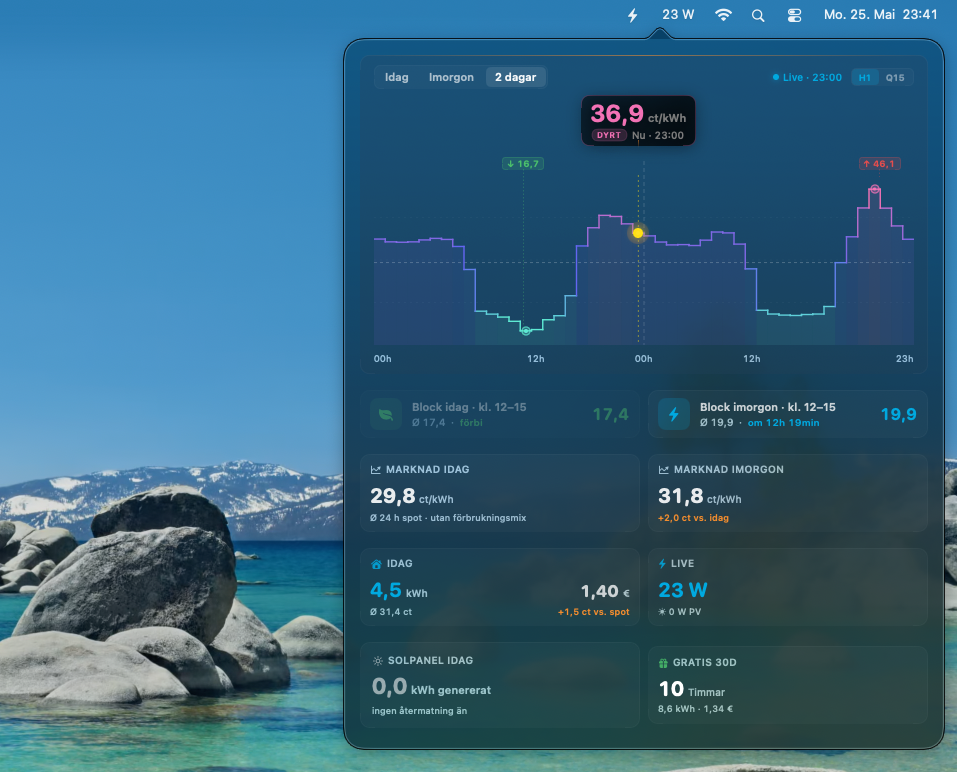
Current Spot Mac is a pure menu-bar app — no dock window, no clutter. At the top of your menu bar you see the current live consumption (watts); click opens a floating dashboard with price curves for today and tomorrow, cheap blocks and consumption.
Which Apple devices are supported?
Apple Watch Series 4 or newer with watchOS 10+, iPhone with iOS 17+, iPad with iPadOS 17+, Mac with macOS 15+ (Apple Silicon and Intel). Live Activity in the Dynamic Island requires iPhone 14 Pro or newer.
How secure is my Tibber token?
Your token is stored in the iCloud Keychain — end-to-end encrypted via Apple's security architecture. There is no Current Spot server processing your data. Your devices talk directly to the official Tibber API.
Is this an official Tibber app?
No. Current Spot is an unofficial, community-built app. It is not affiliated with Tibber AS in any way and is neither endorsed nor officially recognised by them.